
Early access
Omniva for your Shopify store
Show Omniva parcel machines to your buyers and create Omniva labels for many orders at once. Returns go by code, with nothing to print.

What you get with Omniva
| Parcel machines | Yes, in checkout and after payment, in LT, LV and EE |
|---|---|
| Labels | To a parcel machine or to the buyer’s address, through Omniva OMX. |
| Cash on delivery | Yes, with your IBAN added to the Omniva login |
| Courier | Yes, from the shipments list |
| Returns | Omniva sends the buyer a code by SMS or email, and the parcel goes into any machine. |
| Tracking in Shopify | Yes, statuses update the fulfillment |
Connect it in three steps
- 1
Ask for OMX access
Omniva gives API (OMX) access for your customer code.
- 2
Enter the login
Settings → Carriers → Omniva, plus your IBAN if you use cash on delivery.
- 3
Make a test label
Pick one order and create its label.
The integration is built and is now being checked with the first stores’ live accounts.
Carrier connection guide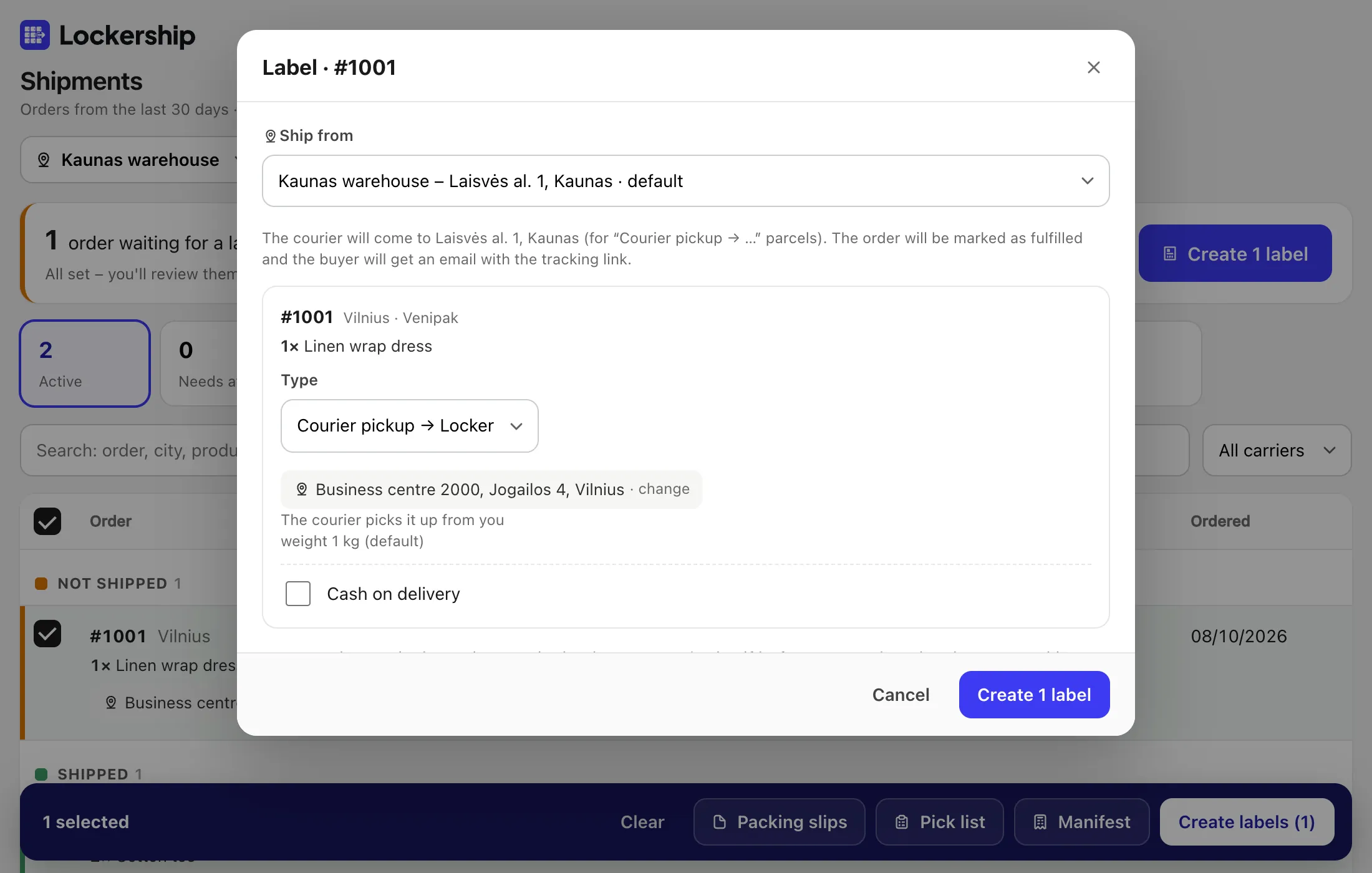
Together with your other carriers
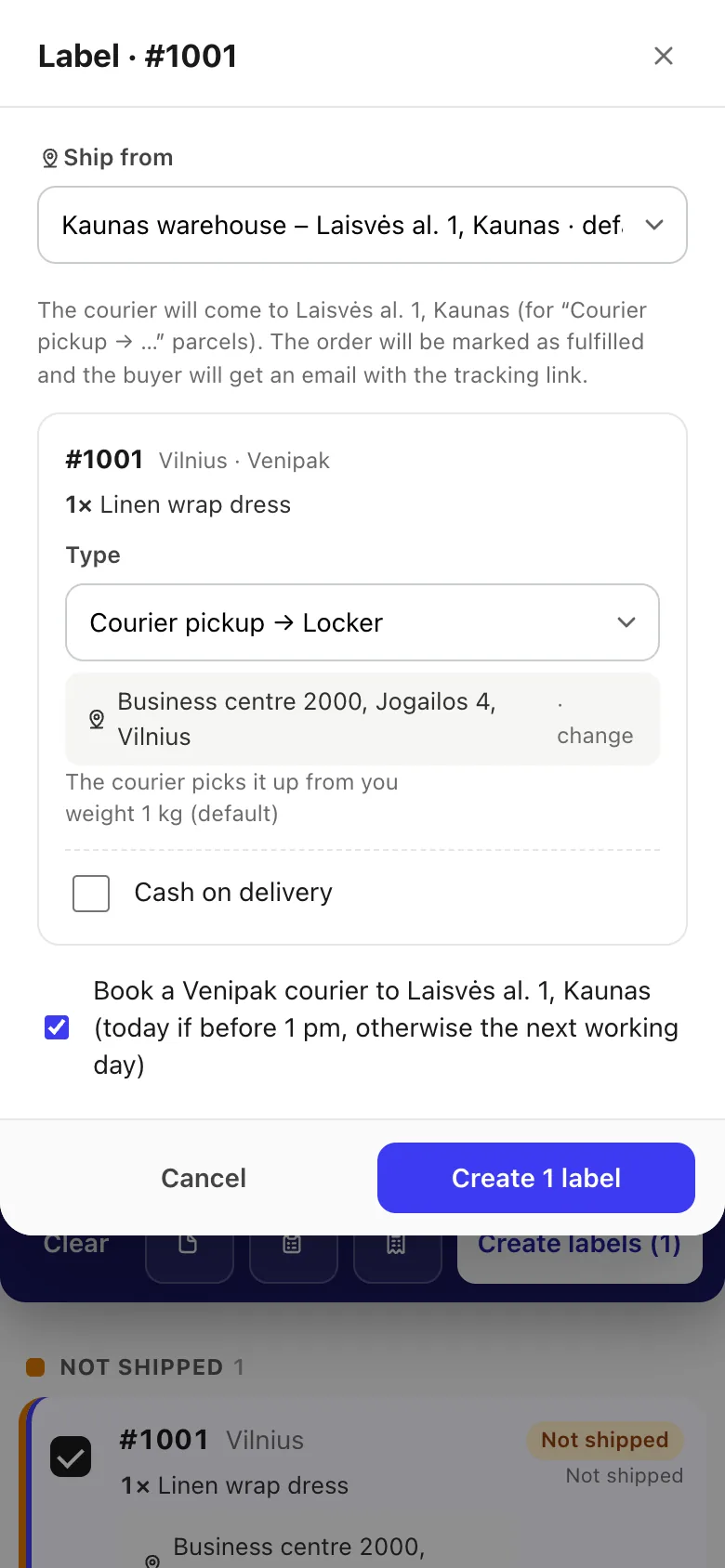
Omniva orders sit in the same list as the rest. Create labels for all of them in one batch, each with the carrier the buyer chose.
Other carriers:
Omniva questions
Why early access?
The integration is built and is now being checked with the first stores’ live accounts.
Does the buyer need to print anything to return?
No. Omniva sends a code and the buyer types it in at the machine.
How does cash on delivery work?
All four carriers support it on your own contract, in euros. Mark which payment methods mean cash on delivery; for unpaid orders the amount is filled in and you can change it per label. Omniva also needs your IBAN and receiver name.
Is my carrier password safe?
It is encrypted before it is stored, used only to talk to that carrier and never shown again, not even to you. To change it, enter a new one; leaving the field empty keeps the saved one.
Try Lockership on your store before it reaches the App Store
We are starting with a small group of Shopify stores in Lithuania, Latvia and Estonia. Leave your email, and I will help you connect your carriers.