
- Home
- Returns
Returns and exchanges your buyers start themselves
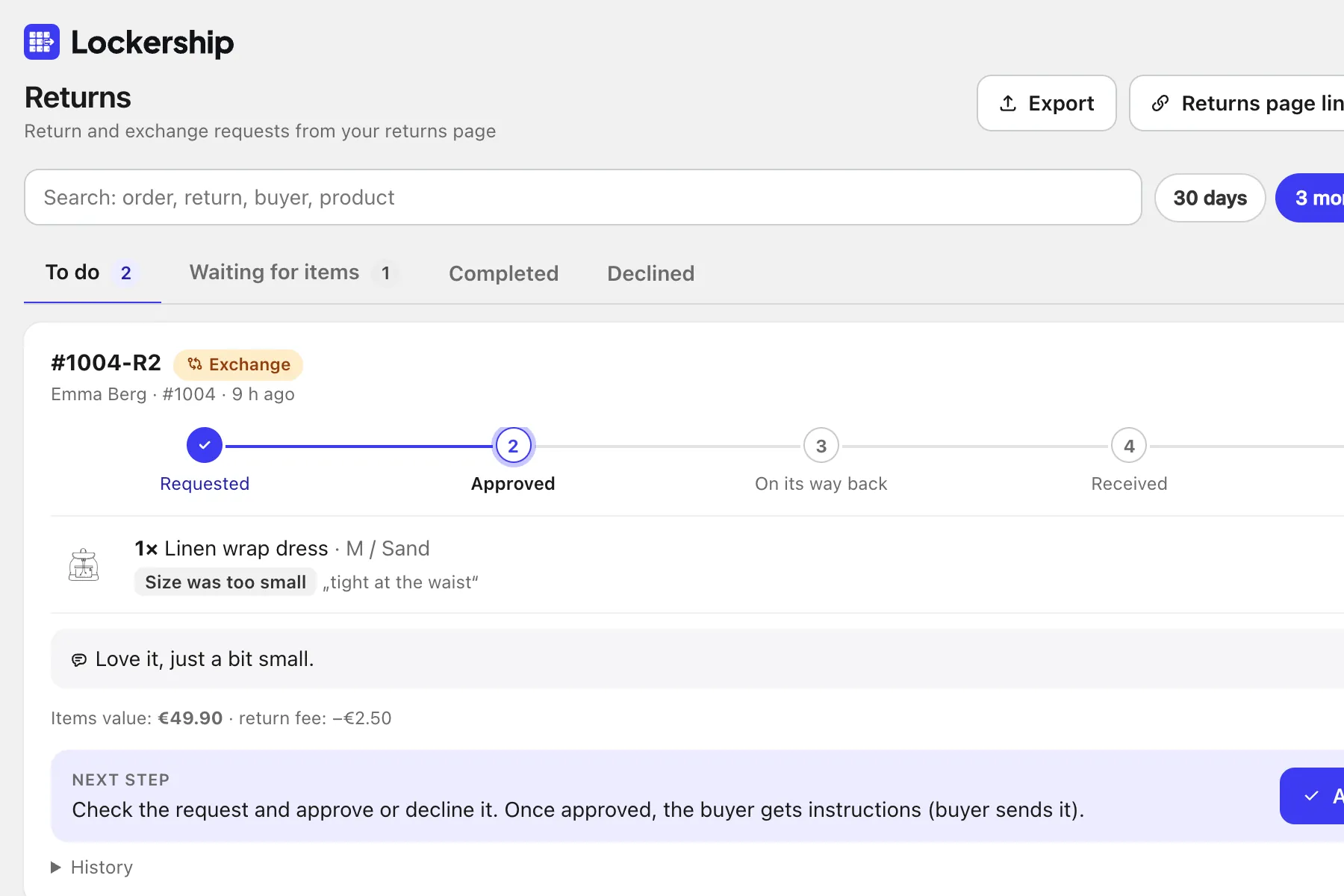
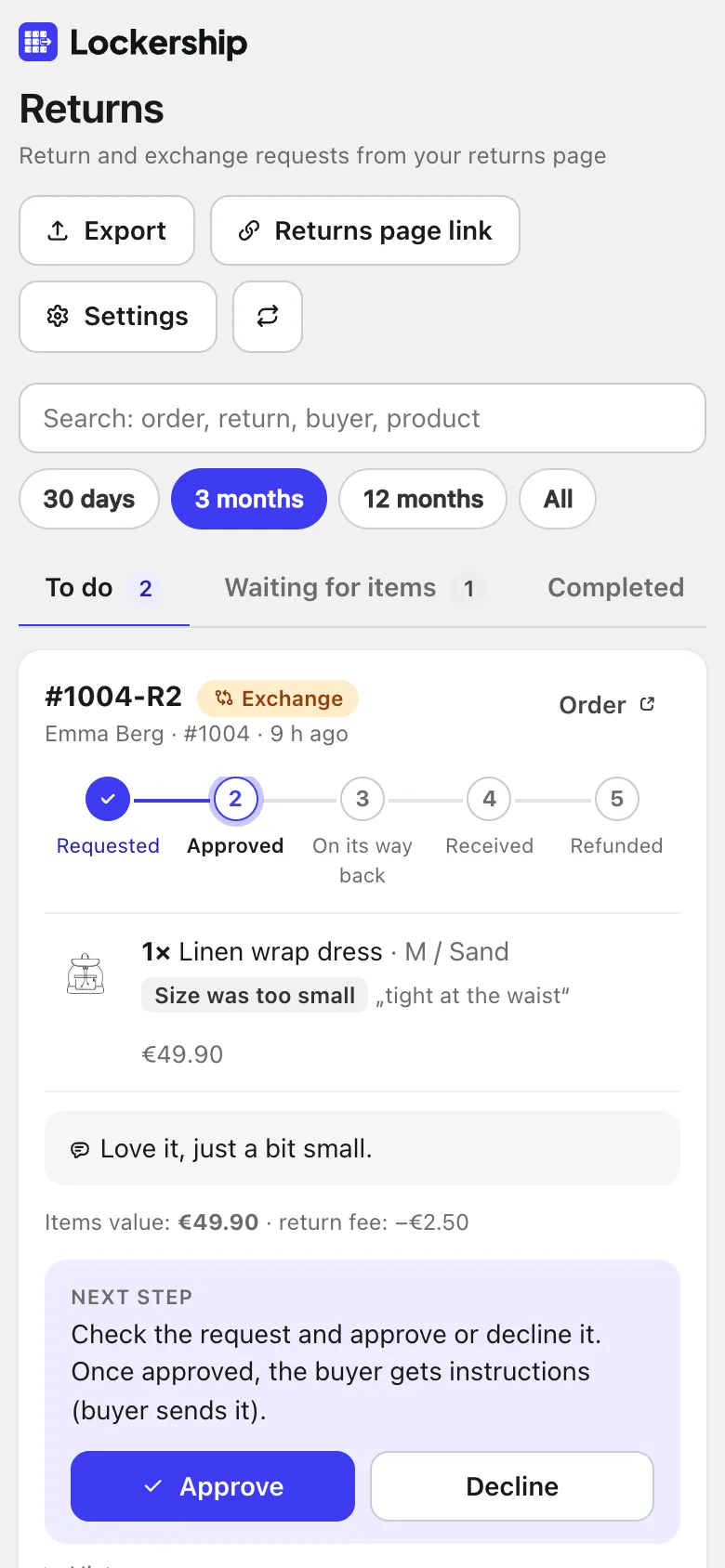
Your store gets a returns page. Requests show up in Lockership and on the Shopify order, each with a clear next step for you.
What your buyer does
- 1
Finds the order
With email and order number, or straight away when logged in.
- 2
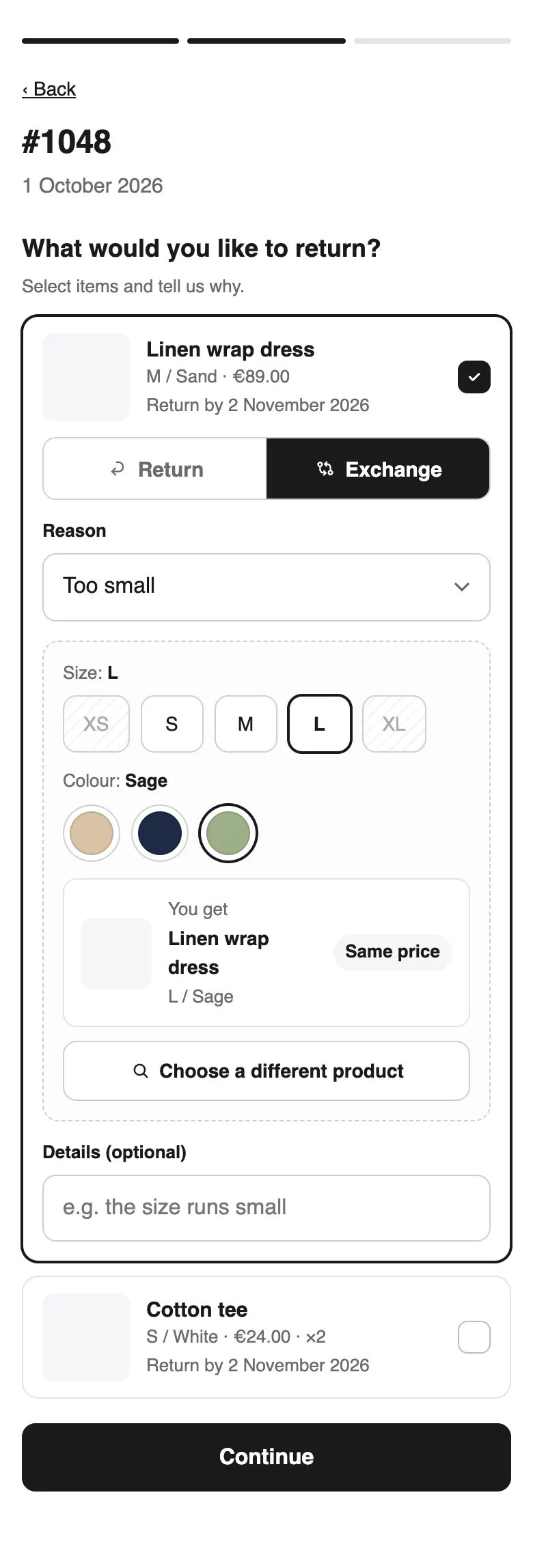
Picks items and a reason
Items past your return window or tagged as non-returnable can’t be selected.
- 3
Chooses what they want
A refund, store credit, or another size, colour or product, with stock shown.
- 4
Sees how to send it back
Clear steps for the return method you chose, then the progress of the request.
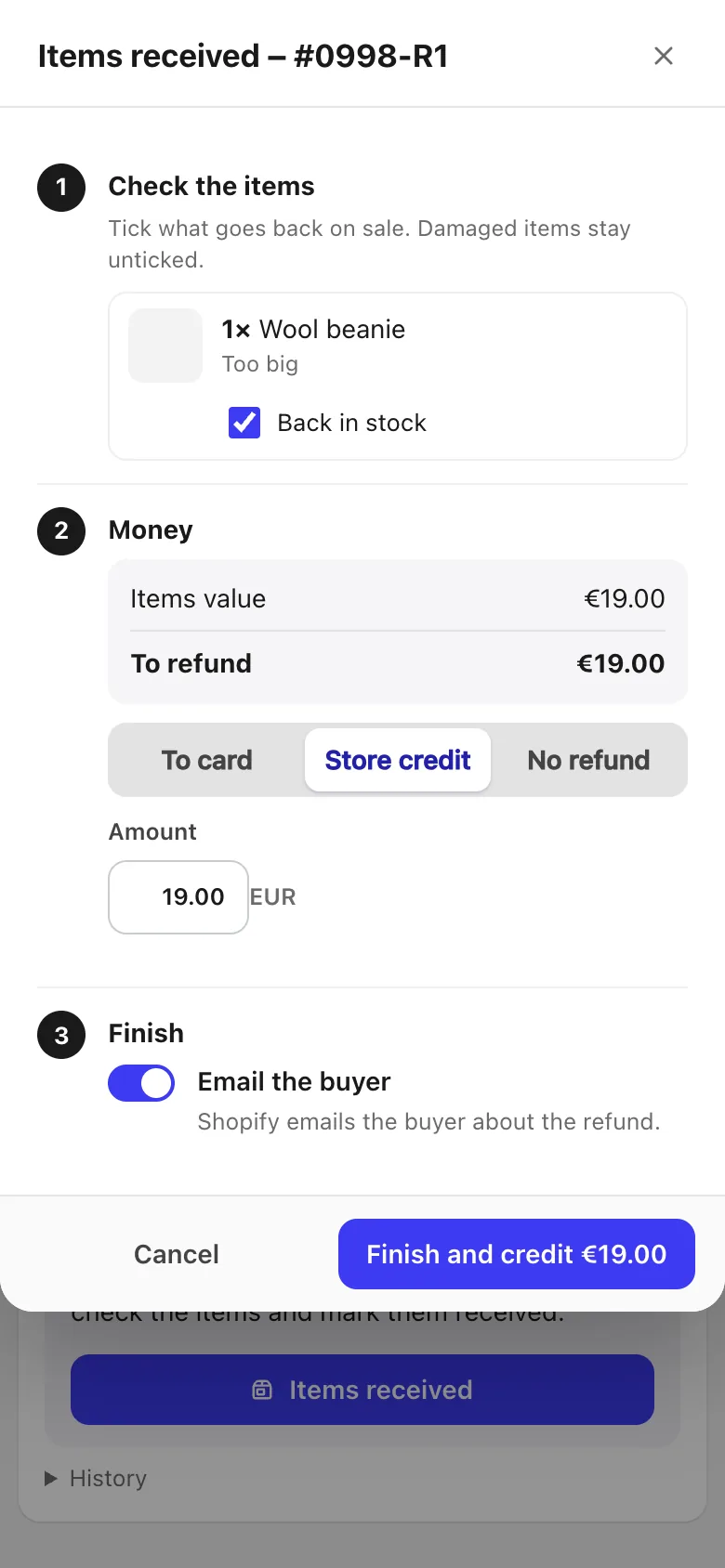
What you do
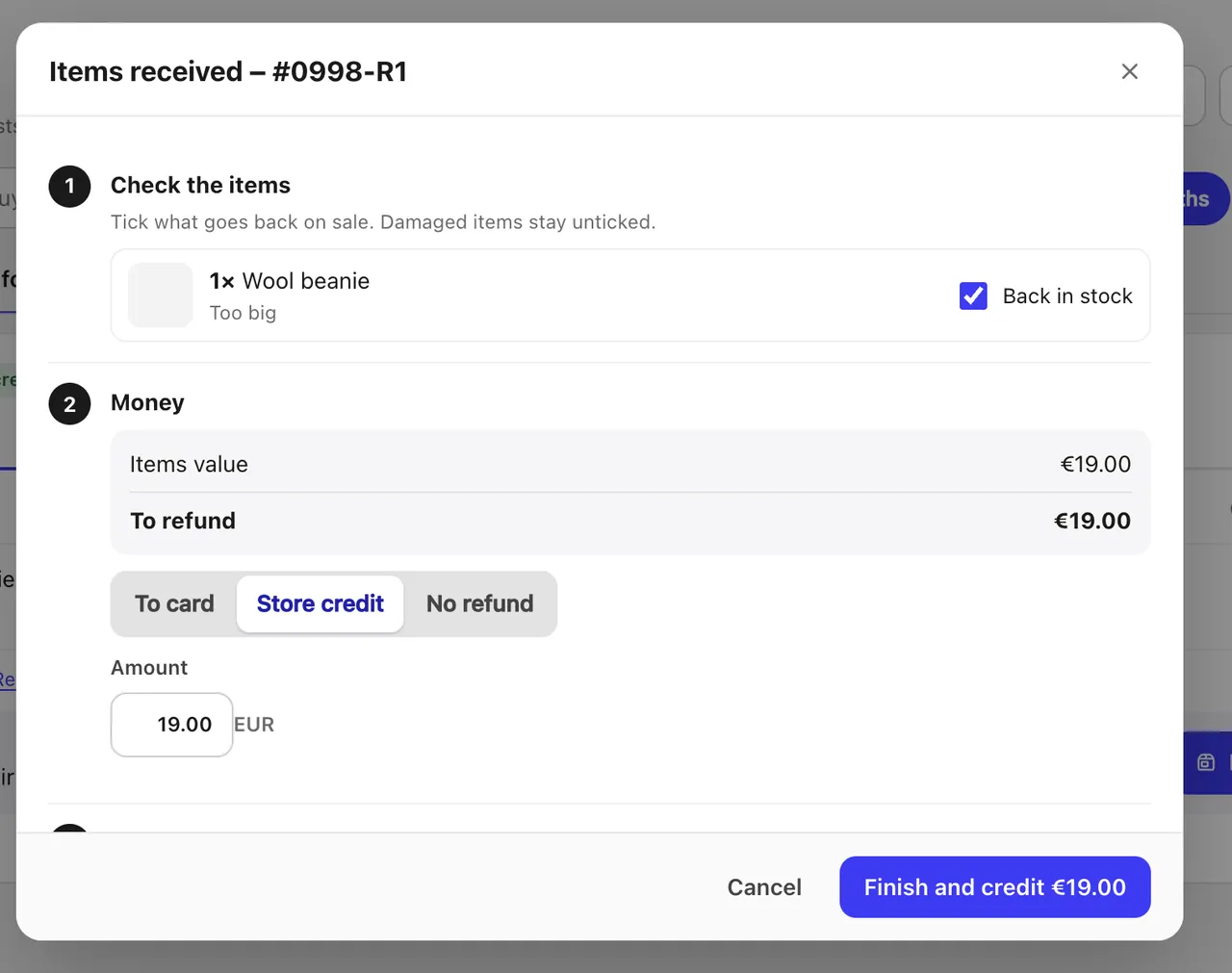
Every request goes through the same steps: approve, wait for the items, mark them received, then refund or send the new item. The card always shows the next step.
- Tick which items go back on sale
- Refund to the card or as store credit
- After an exchange, the label for the new item opens right away
- Excel, CSV and PDF exports for accounting
Three ways to send it back
The buyer sends it
Their own way and at their cost, to your return address.
Return label
You approve, and the buyer gets a label PDF by email.
Code by SMS
The carrier texts a code, and the buyer drops the parcel at a locker. Nothing to print.
Carrier returns always go to the sender address on the label. Lockership warns you if your courier collects from a different address.

Exchanges without the back-and-forth
The buyer picks the new size or colour and sees what is in stock. If it costs more, Shopify sends a payment link. If it costs less, you refund the difference. Once the old item is back, you ship the new one from the same screen.
- Same product or any product, you decide
- Carrier and locker are taken from the order, and you can change them
About returns
Can buyers return or exchange items themselves?
Where do returned parcels go?
How is a price difference paid in an exchange?
Can I export returns for accounting?
Try Lockership on your store before it reaches the App Store
We are starting with a small group of Shopify stores in Lithuania, Latvia and Estonia. Leave your email, and I will help you connect your carriers.