
- Home
- Features
Everything between paid and delivered
When a Shopify order comes in, Lockership takes care of the rest: the locker, the label, the courier, tracking and returns.
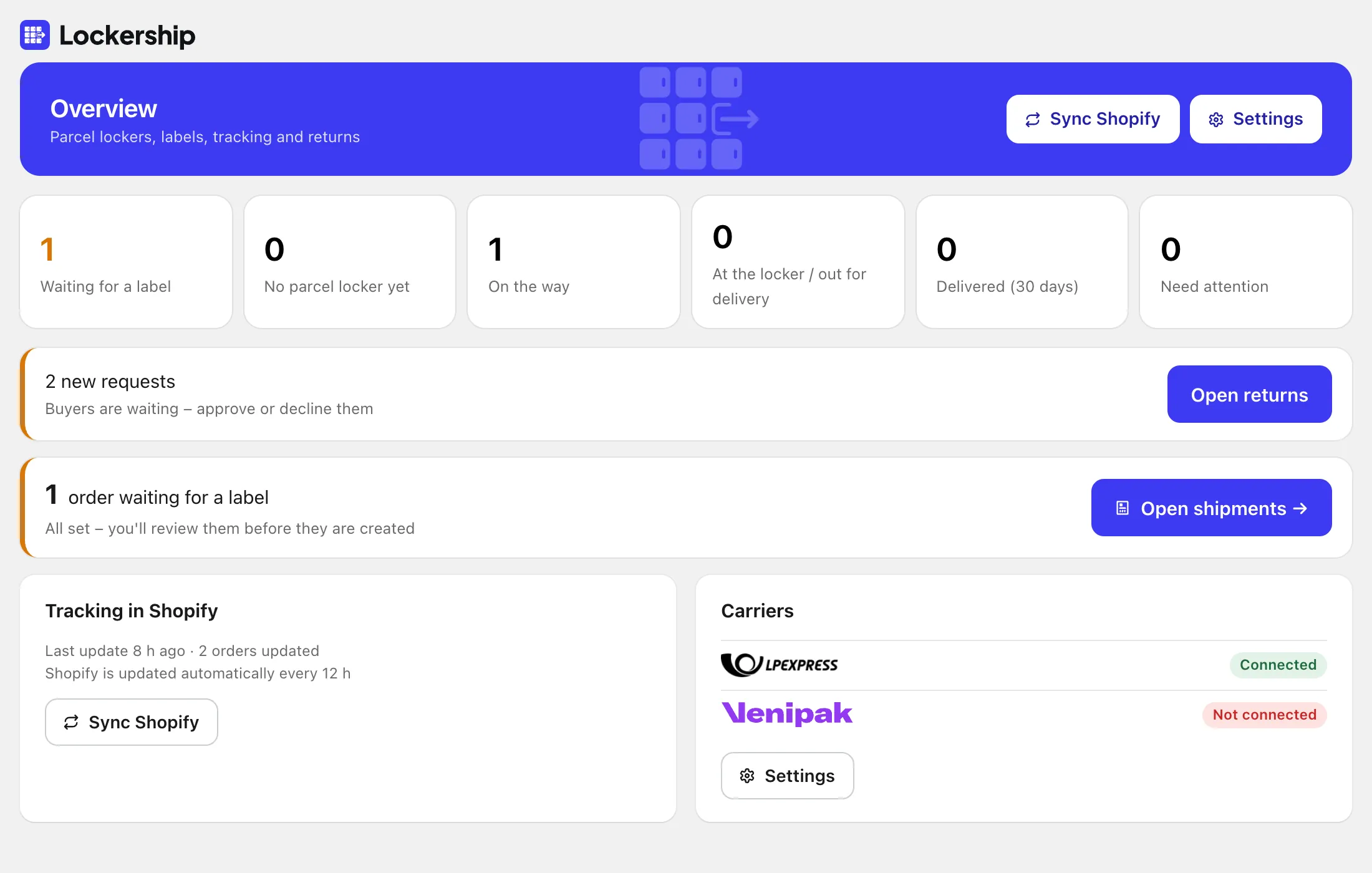
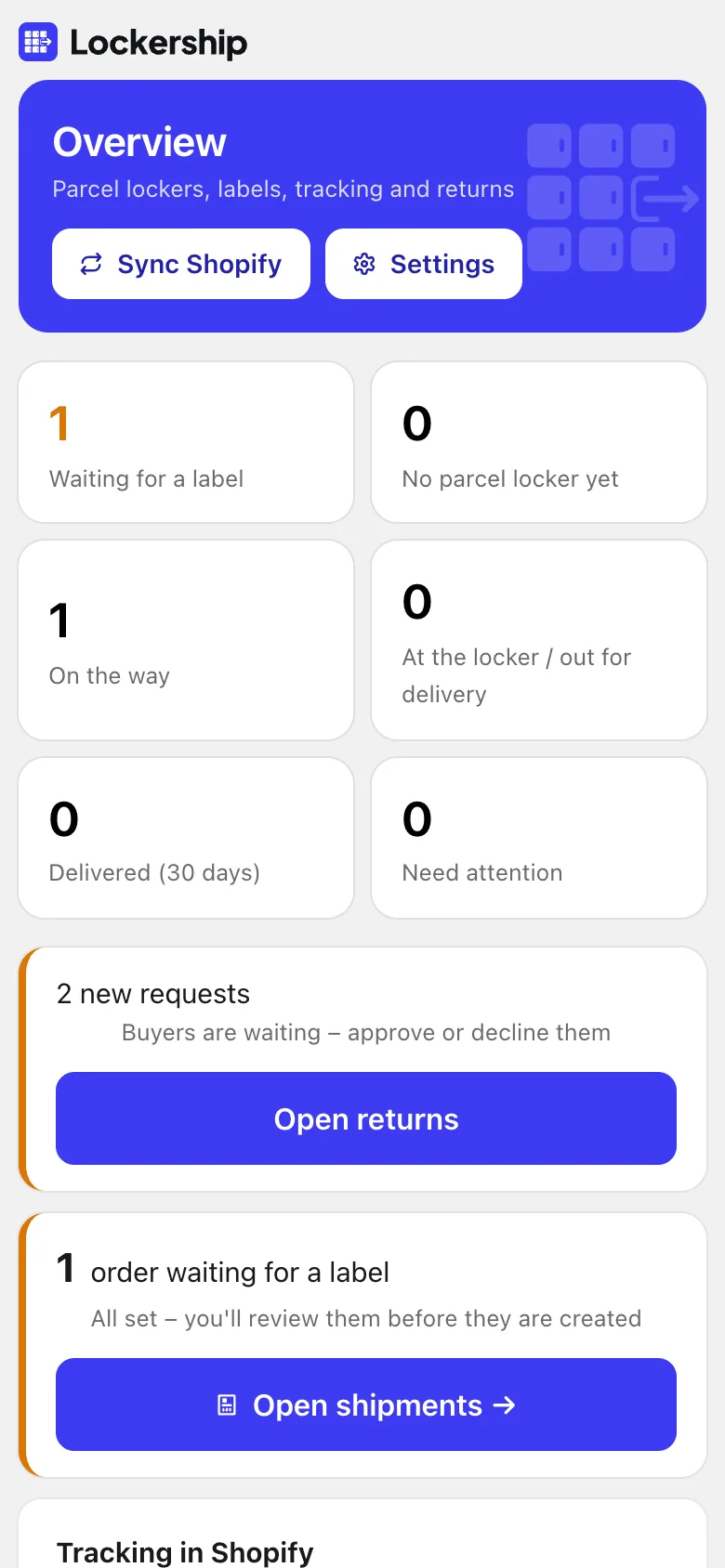

Parcel lockers
- Locker choice after payment
- On the thank-you and order status pages, on every Shopify plan.
- Lockers in checkout
- The nearest lockers as delivery options, with your price per carrier and country and free delivery from an amount you set.
- Change it for the buyer
- When a buyer calls, choose or change the locker from the order in Lockership.
- Subscriptions keep their locker
- Renewal orders take the locker from the buyer’s previous order with the same carrier.

Labels and couriers
- One batch, four carriers
- Tick the orders and create all labels at once, each with its own carrier.
- 10×15 or A4
- For a label printer, or an office printer with several labels on a sheet.
- Courier pick-up and manifests
- Book a time slot and print the day’s manifest from the shipments list.
- Cash on delivery
- For unpaid orders the amount is filled in on your own carrier contract, and you can change it for each label.
- Packing slips and pick lists
- What to pack for each order, or one list of everything to take from the shelves.
- Ship it again
- A new label for a lost parcel or an exchange, with another carrier or locker if needed.
Tracking
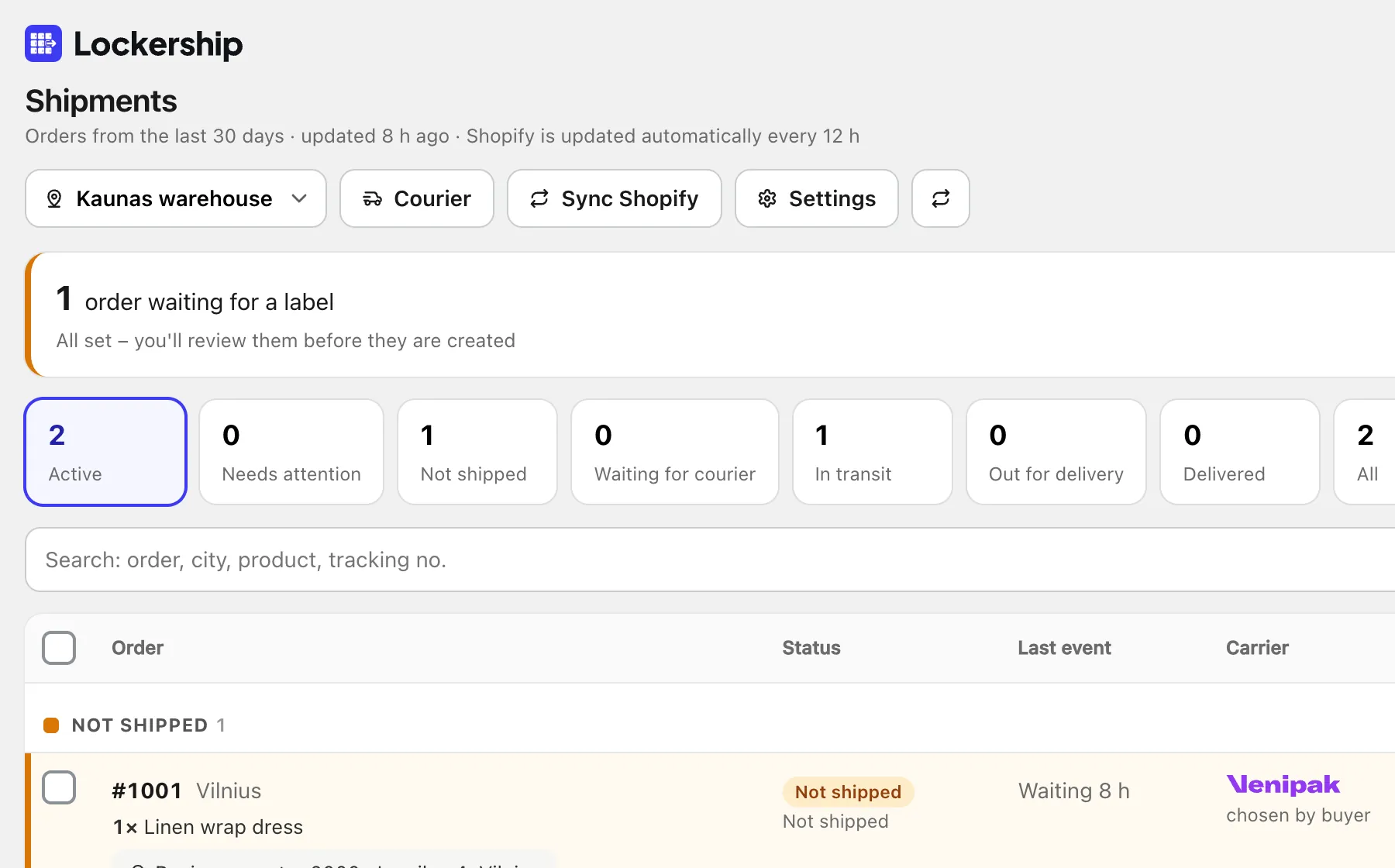
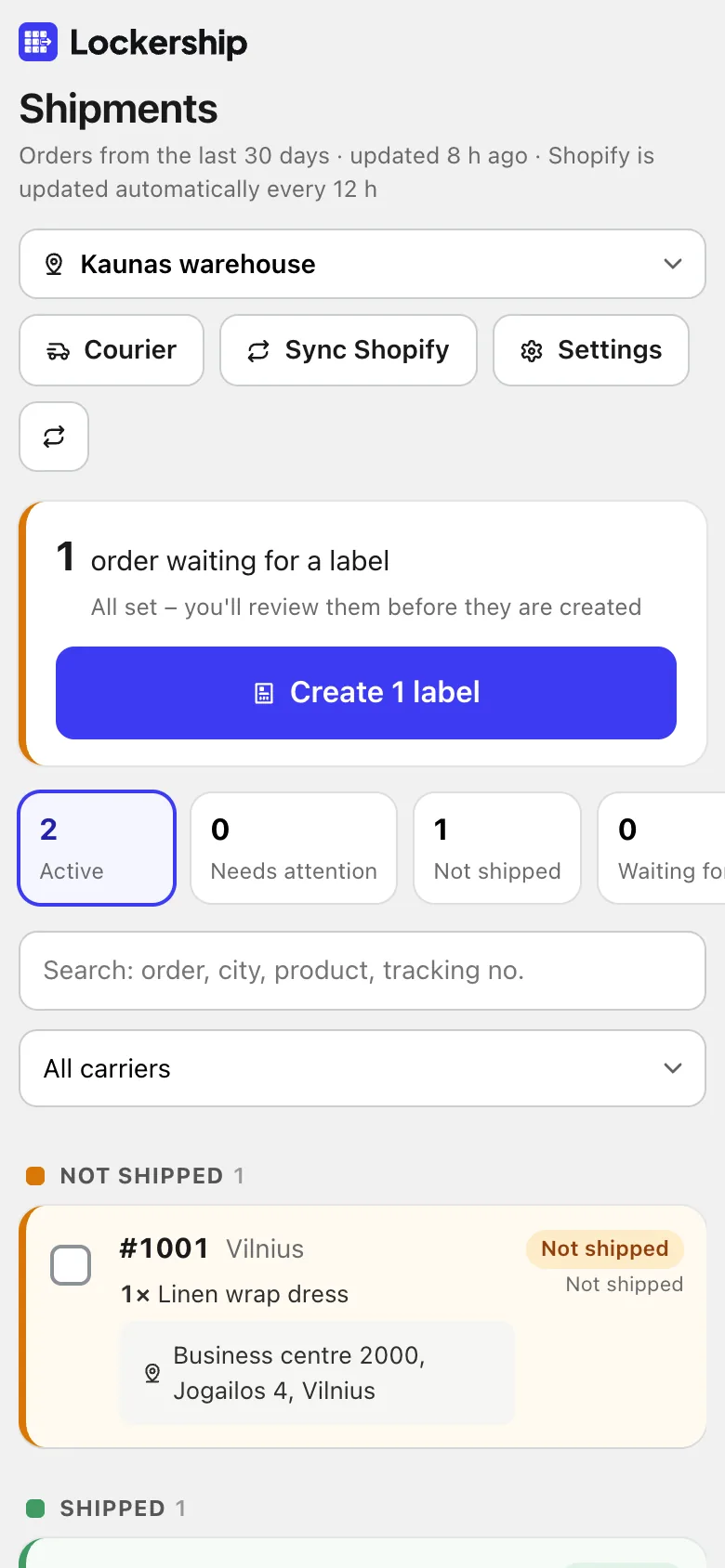
- Statuses on the Shopify order
- In transit, ready for pickup, delivered: written to the order every 12 hours, or right away when you press Sync.
- Problems at the top
- Parcels that are stuck or sent back are listed first.
- Tracking number for the buyer
- When a label is created, Shopify can email the buyer the tracking number. You decide.

Returns and exchanges
- A returns page on your store
- Buyers find the order with their email and order number, or see their orders when logged in.
- Exchanges with stock shown
- Another size, colour or product. If it costs more, Shopify sends a payment link; if less, you refund the difference.
- Three ways to send it back
- The buyer sends it, gets a return label, or gets a code by SMS and drops the parcel at a locker.
- Refund or store credit
- Mark the items received, choose what goes back to stock, and refund to the card or as store credit.
- Exports for accounting
- Returns and exchanges for any period in Excel, CSV or PDF.

Your store, your setup
- Several shipping locations
- Each warehouse or shop has its own sender and pick-up address. Choose where a batch ships from.
- English and Lithuanian
- The app is in both languages. Texts for buyers can be edited and translated into any language.
- Your carrier contracts
- Labels are made through your own accounts, so your prices and invoices stay as they are.
- Your data stays separate
- Each store’s data is kept apart, carrier passwords are encrypted, and everything is deleted after you uninstall.
Try Lockership on your store before it reaches the App Store
We are starting with a small group of Shopify stores in Lithuania, Latvia and Estonia. Leave your email, and I will help you connect your carriers.