
DPD for your Shopify store.
Offer DPD Pickup lockers in the Baltics and across 22 more EU countries, and create DPD labels together with your other carriers.

What you get with DPD.
- Pickup lockers and parcel shops
- Yes, in LT, LV, EE and 22 more EU countries
- Labels
- To a Pickup point or to the buyer’s address, other EU countries included.
- Cash on delivery
- Yes, on your contract, in euros
- Courier and manifest
- Yes, from the shipments list
- Returns
- The buyer sends it back, or you add the return tracking number yourself.
- Tracking in Shopify
- Yes, statuses update the fulfillment
Connect it in three steps
Create an API token
In the DPD portal: My profile → API token list → Create new token. Leave the time-to-live empty. Step-by-step guide.
Enter the token
Settings → Carriers → DPD, with your DPD country.
Make a test label
Pick one order and create its label.
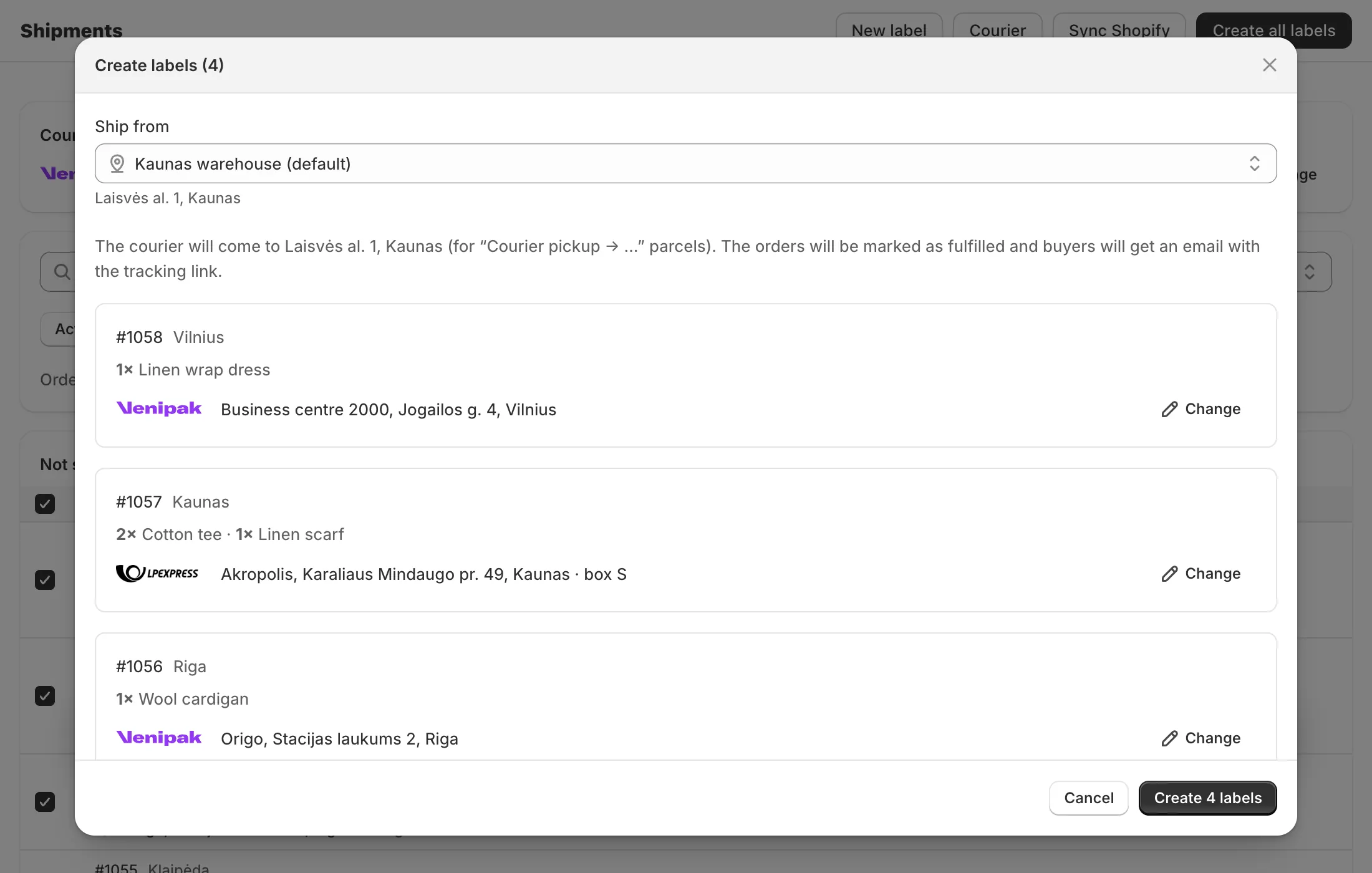
In one batch with your other carriers.
DPD orders sit in the same list as the rest. Create labels for all of them at once, each with the carrier the buyer chose.



Tested on a live DPD contract.
Labels to DPD Pickup lockers and to the door, with cash on delivery, made from the Shopify order in one click. The parcel number and tracking go straight to the order.
How to get a DPD API token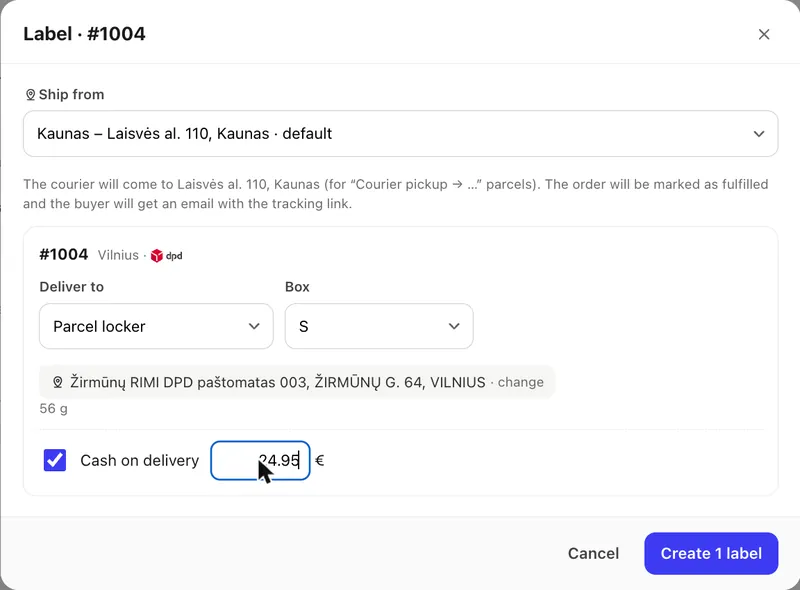
Questions about DPD
All questionsCan I show DPD lockers outside the Baltics?
Where do I get the DPD API token?
How does cash on delivery work?
Is my carrier password safe?
On your store before it reaches the App Store.
We are starting with a small group of Shopify stores in Lithuania, Latvia and Estonia. Leave your email, and I will help you connect your carriers.
Lockership is in Shopify App Store review. Until it is listed, early-access stores get it with our help.