
- 1
Pick the orders
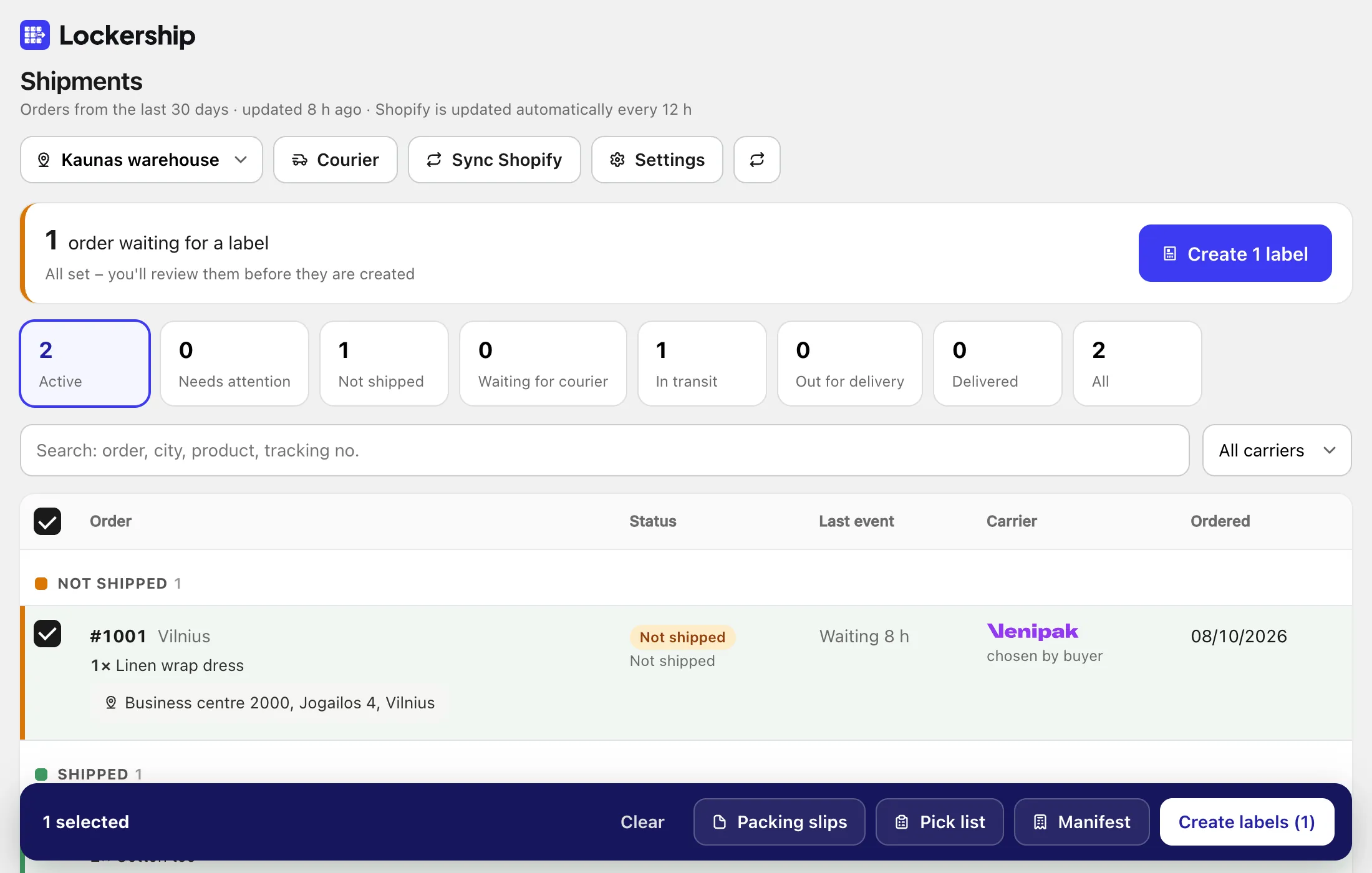
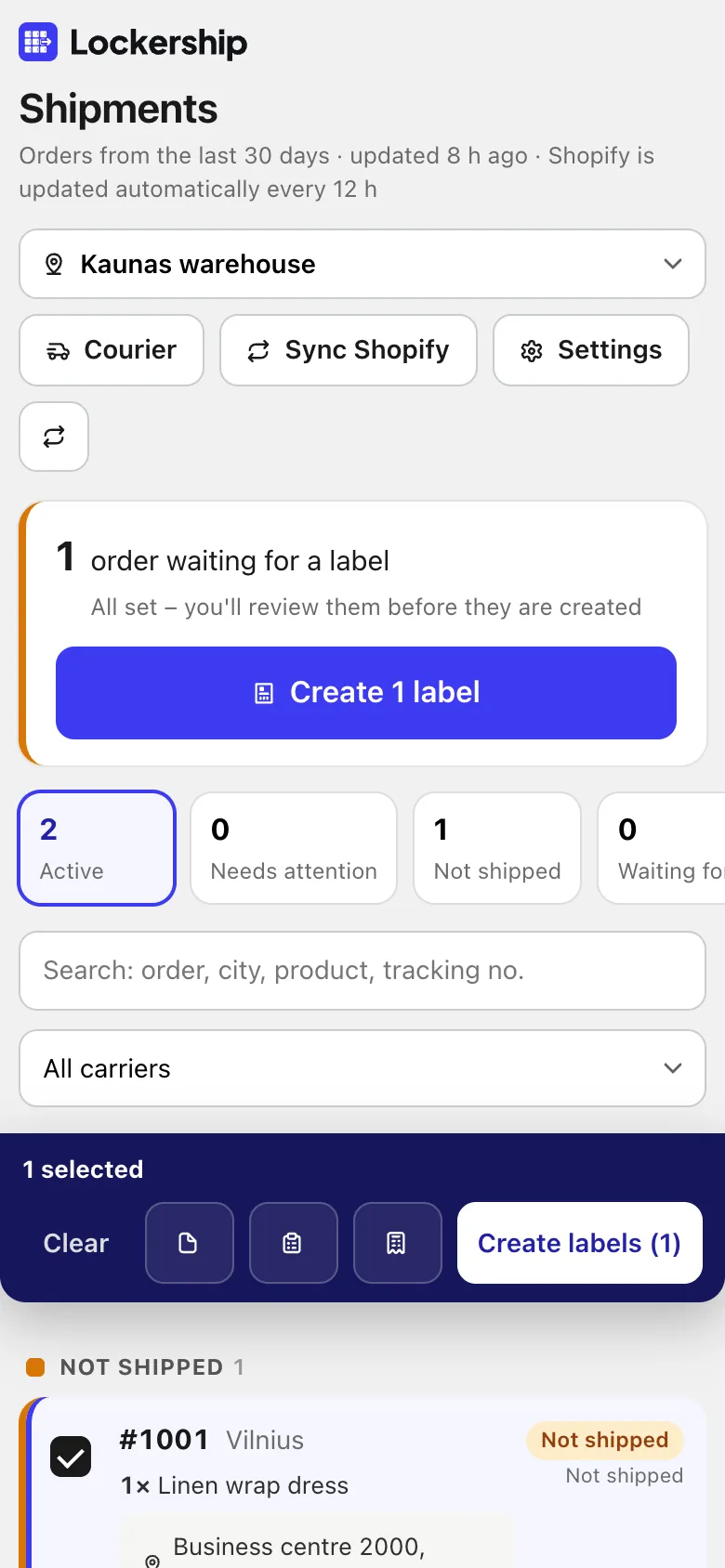
Open Shipments. Orders waiting for a label are at the top. Tick them, or use the tick at the top for all. Check “Ship from” if you have several locations.
- 2
Review and create
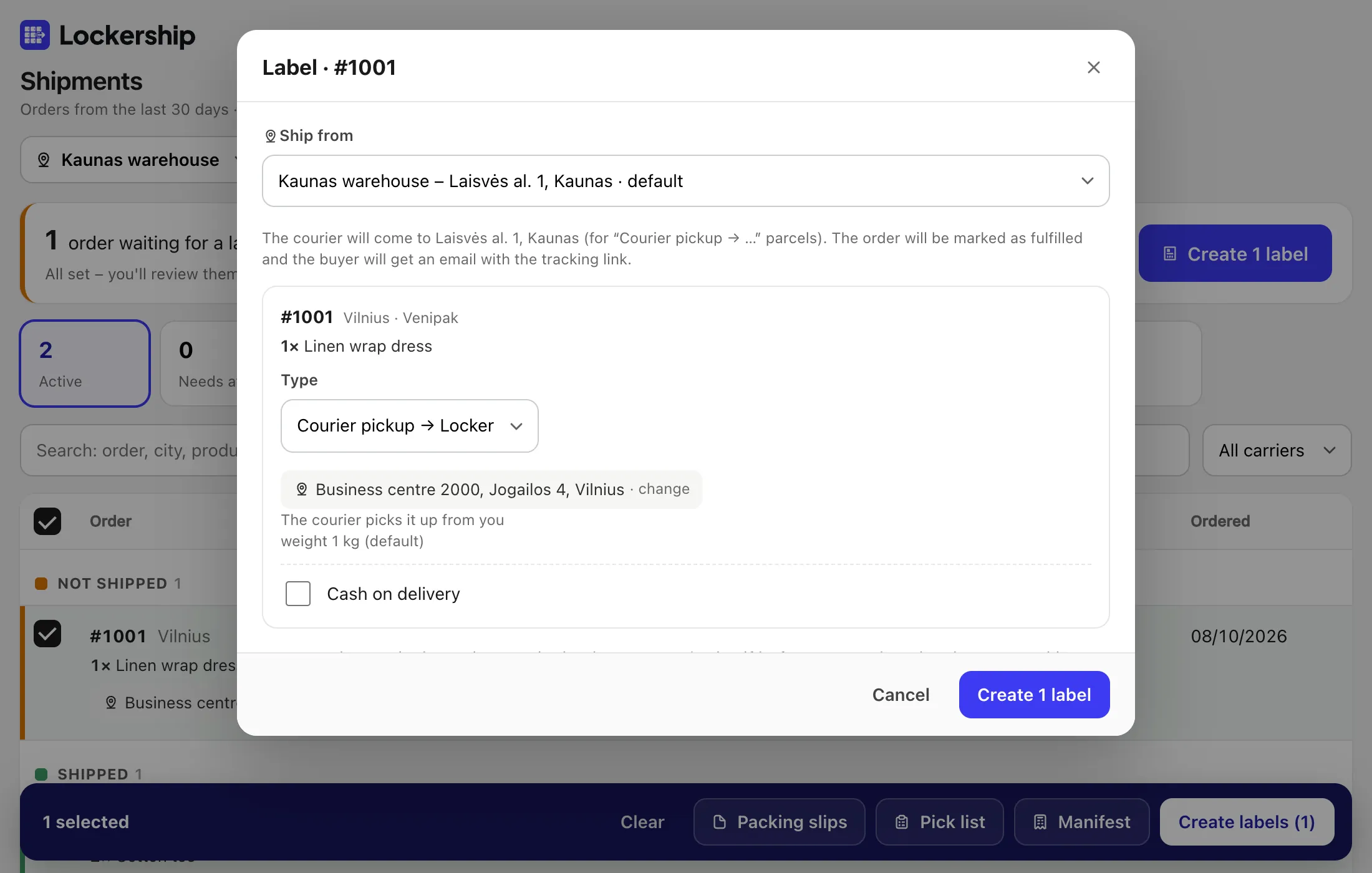
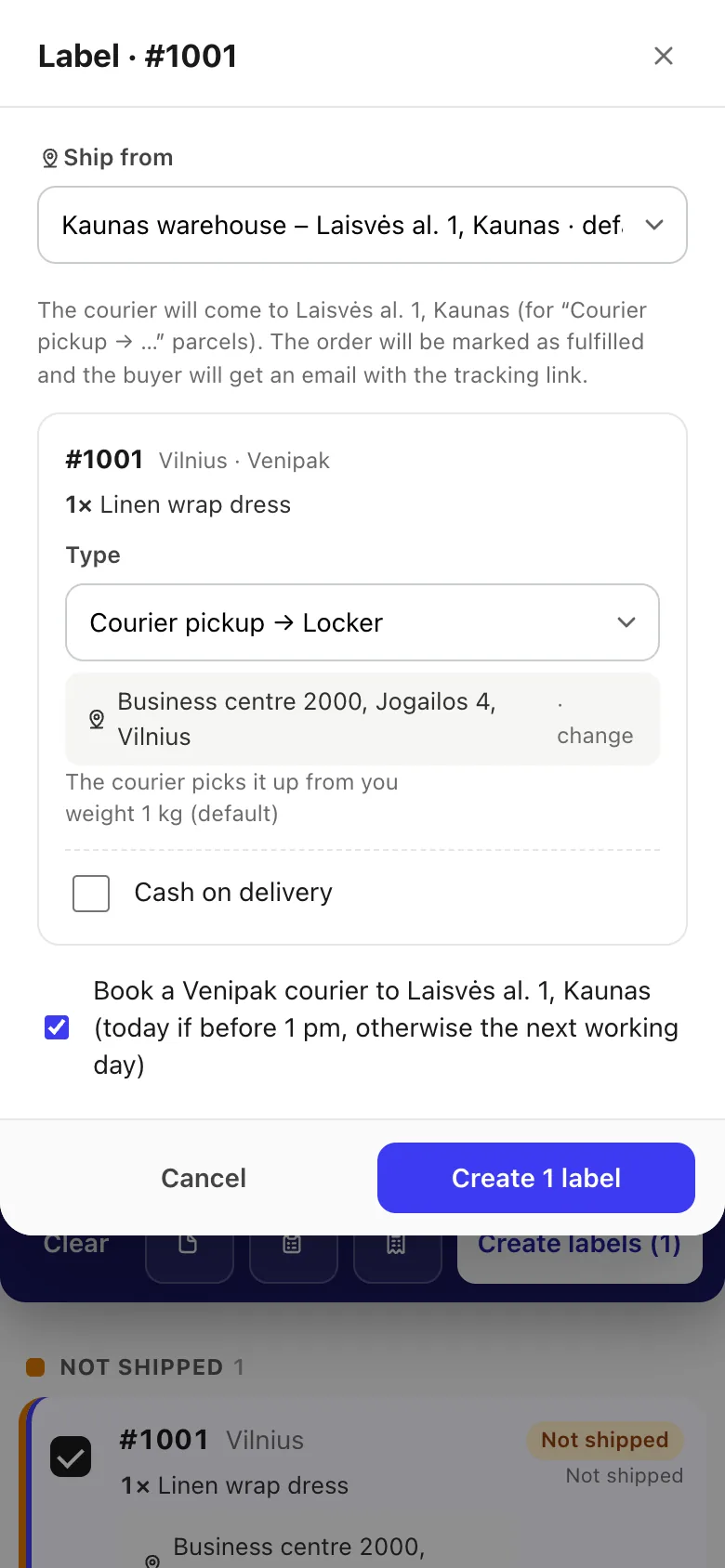
Press Create labels. For each order you see the carrier, label type, box size, the locker and the cash on delivery amount, and can change them. Then create: the labels open as one PDF, 10×15 or A4.
- 3
Print packing slips or a pick list
With the orders still ticked, the black bar at the bottom has Packing slips and Pick list.
- 4
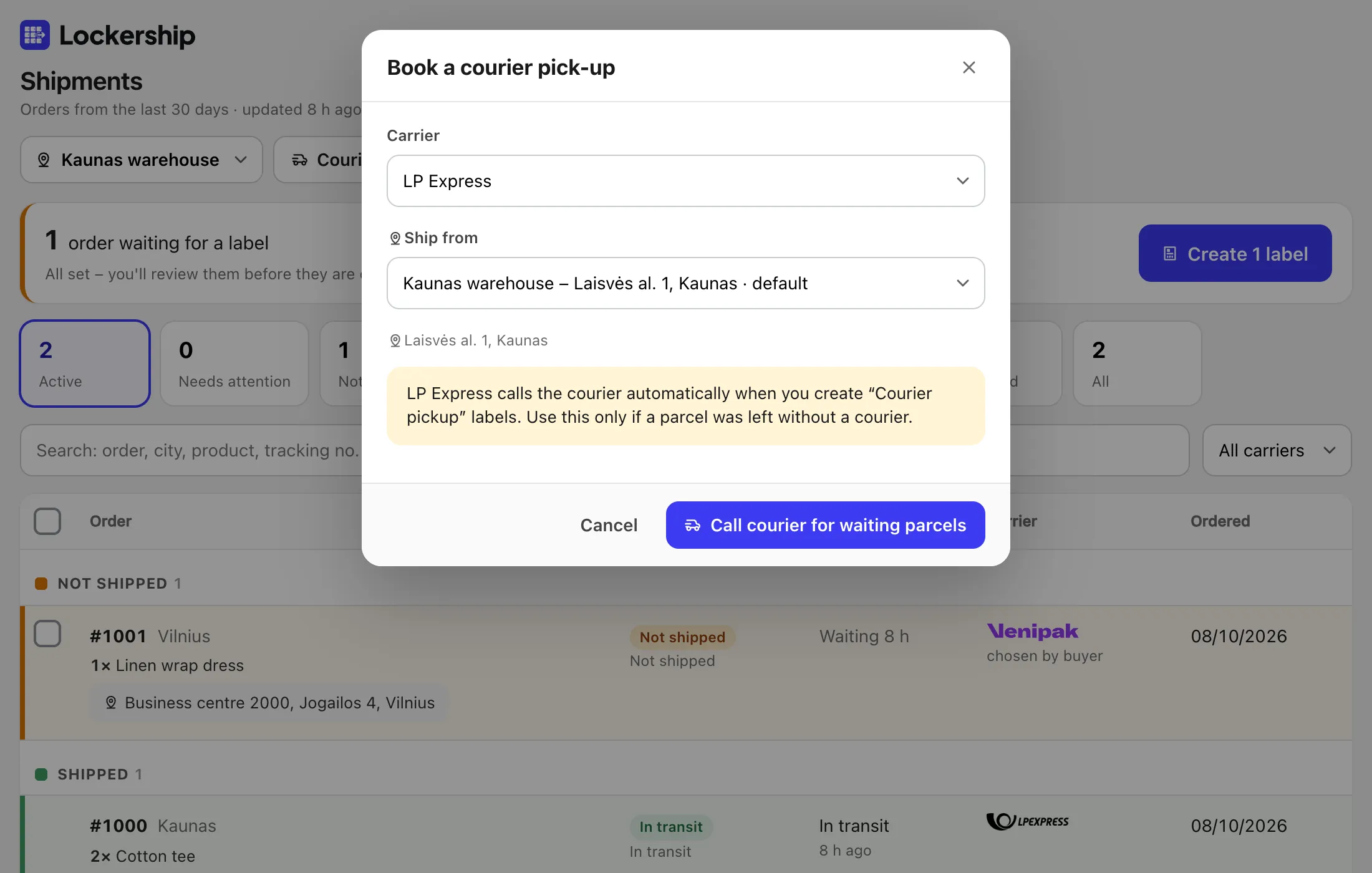
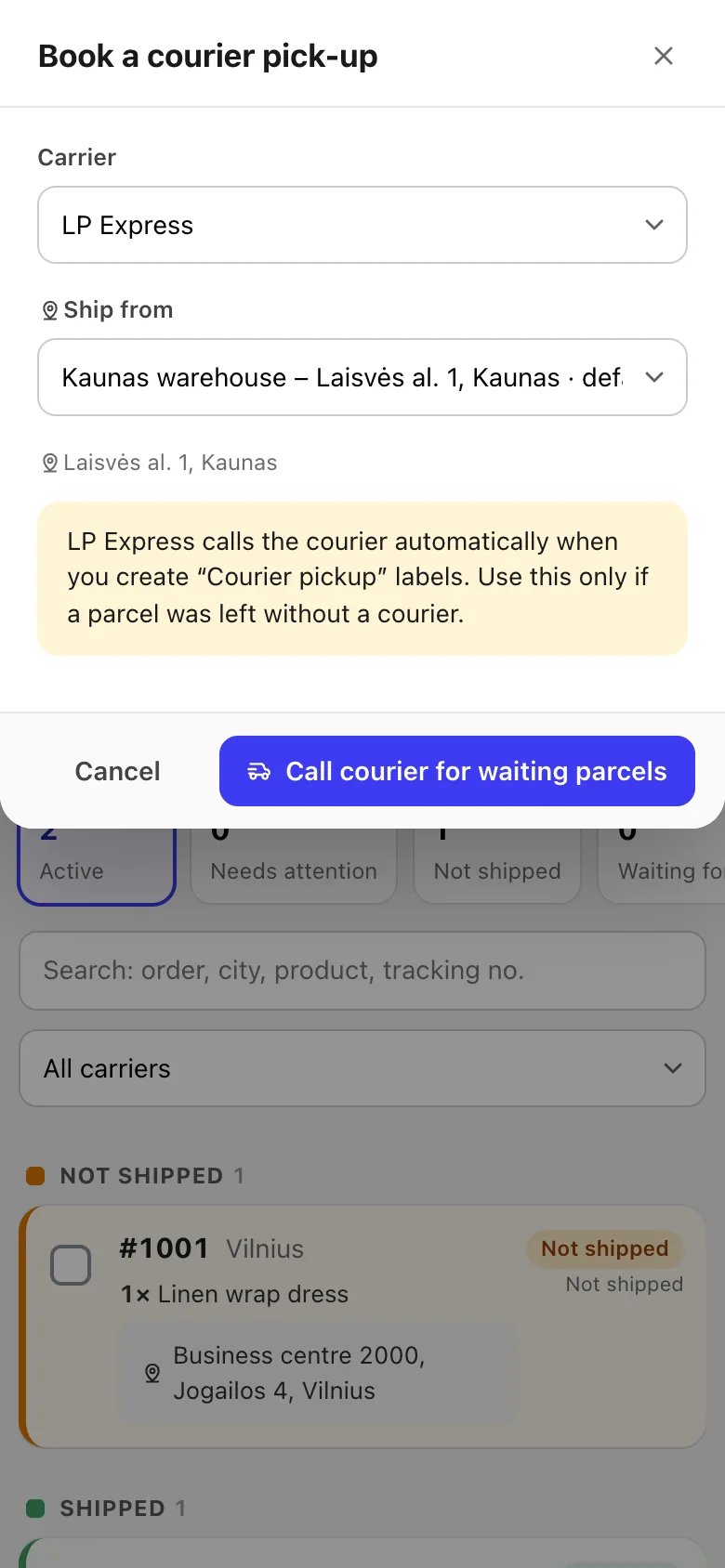
Book the courier
Press Courier, choose the carrier, the location and the time slot. Venipak is booked once per day and location automatically when you create “courier pick-up” labels.
- 5
Print the manifest
Manifest in the bottom bar gives the day’s list for the courier to sign.
Try Lockership on your store before it reaches the App Store
We are starting with a small group of Shopify stores in Lithuania, Latvia and Estonia. Leave your email, and I will help you connect your carriers.