
- 1
Allow exchanges
In Settings → Returns page, keep “Exchange” on. Turn off “Allow other products” if buyers may only switch size or colour of the same product.
- 2
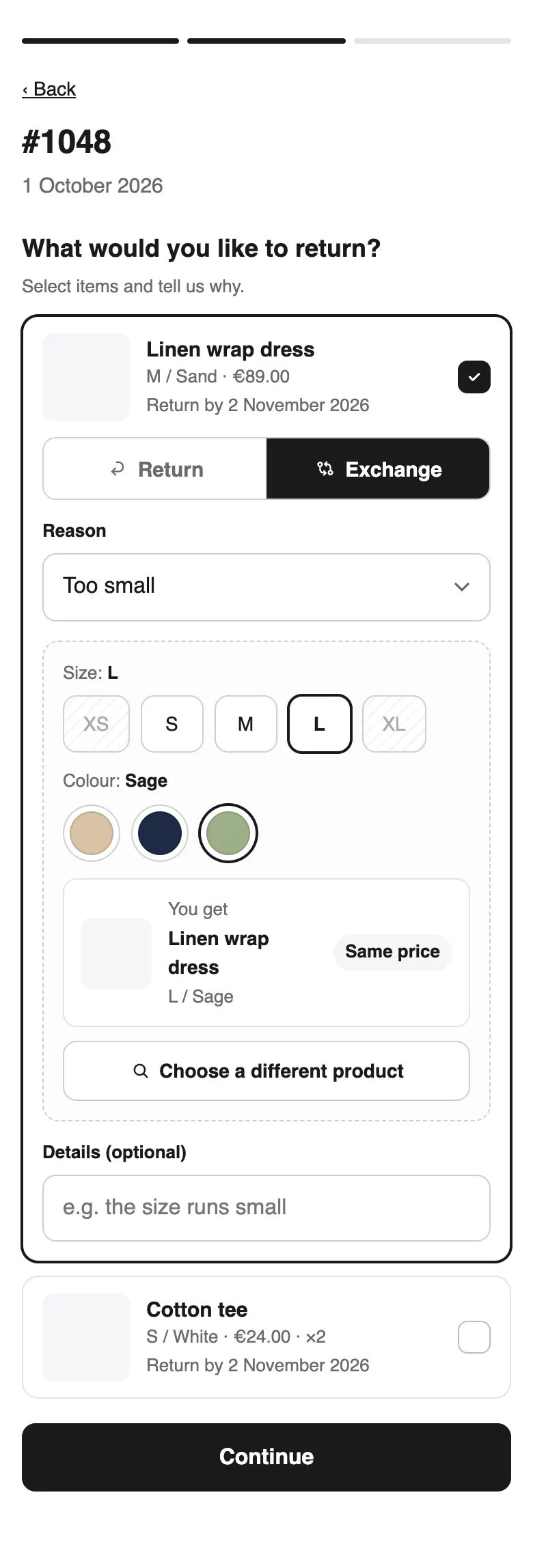
The buyer chooses
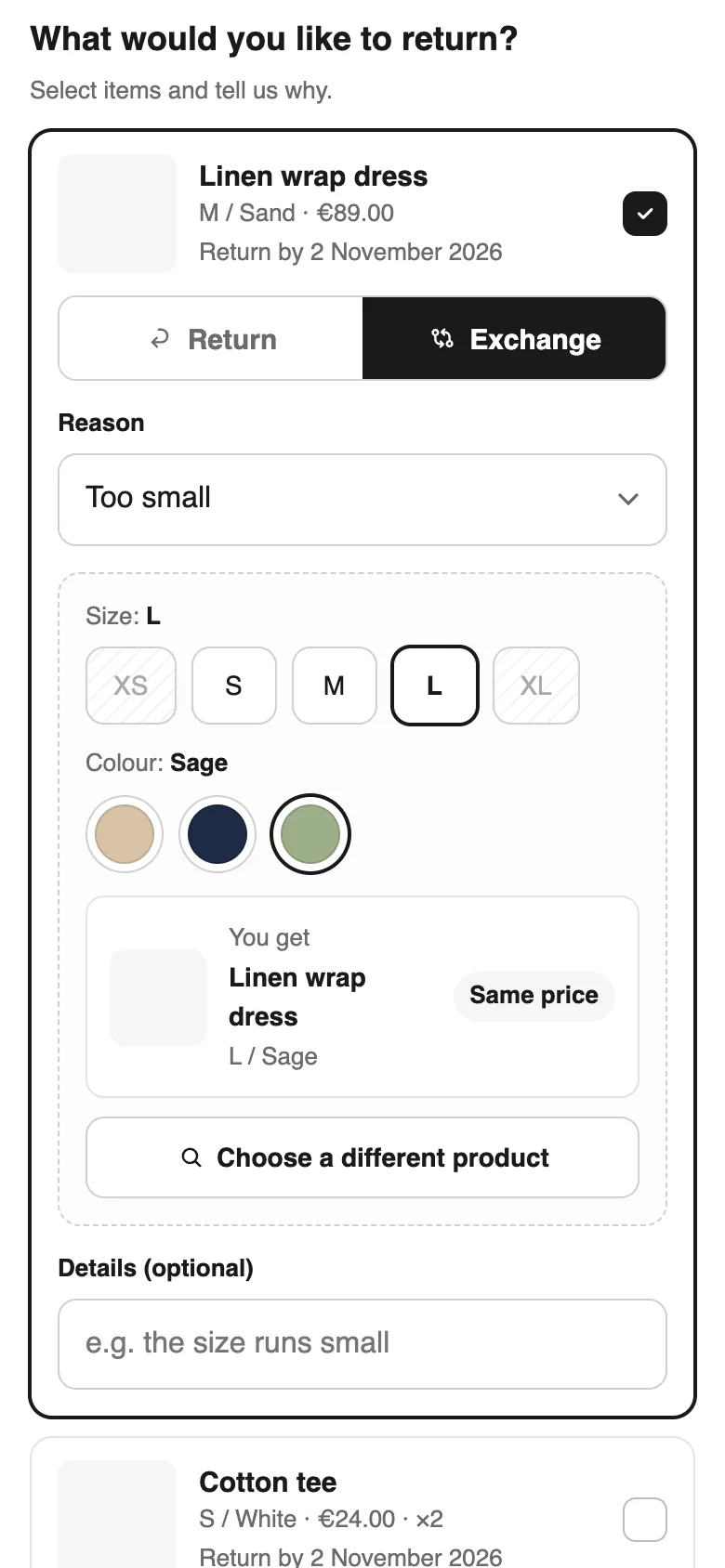
On the returns page the buyer taps Exchange, picks the new size or colour (sold-out options are crossed out) or searches another product, and sees the price difference before sending.
- 3
You approve
Approving creates the Shopify return with the new item. If it costs more, Shopify emails the buyer a payment link for the difference. If the order already had an unpaid balance (cash on delivery), Lockership tells you to send the invoice from Shopify yourself.
- 4
Receive and ship the new item
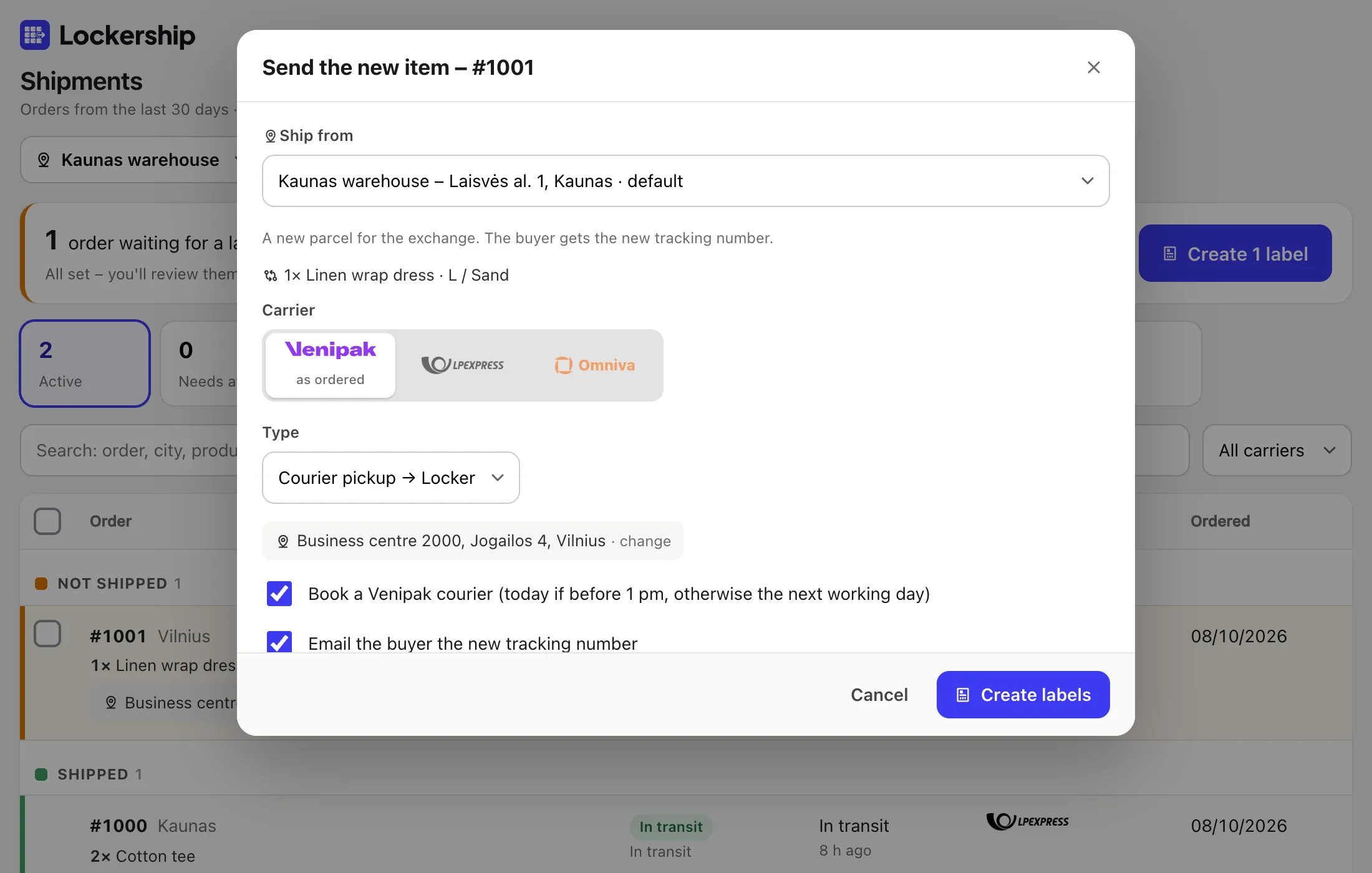
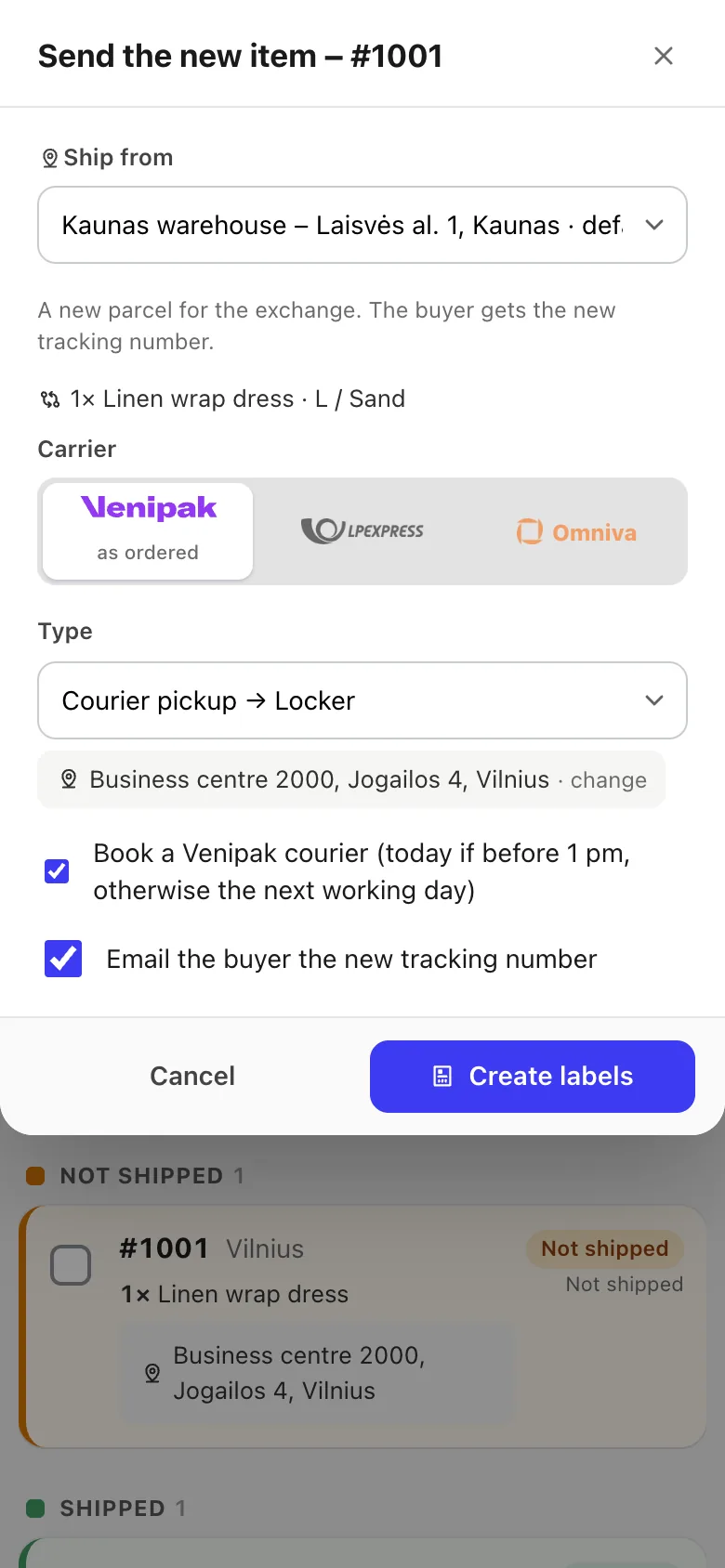
When the old item arrives, press Items received; a cheaper new item means you refund the difference. The label for the new item opens right away, with the carrier and locker from the order, both easy to change.
Try Lockership on your store before it reaches the App Store
We are starting with a small group of Shopify stores in Lithuania, Latvia and Estonia. Leave your email, and I will help you connect your carriers.